

How to Search the HCDOM
Be Specific
When you search the HCDOM be very specific. If you want to find all references to “dentist” search for “dentist.” If you need to find the plural “dentists” search for “dentists”. You can also search for multiple words at once such as “dental exam.” If you don’t find what you are looking for initially reword your search.
Video Tutorial
This video uses the Microsoft Edge browser, however any modern browser (Chrome, Safari, Firefox, etc.) functions similarly.
Microsoft Edge Browser Split Screen Feature
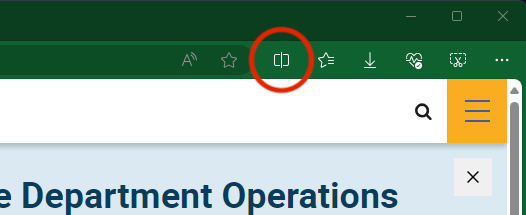
Unique to the Microsoft Edge browser is the Split Screen feature that makes referring to two separate web pages easy. You can use this feature to split between the table of contents on the left and review a section on the right. On the Health Care Department Operations Manual (HCDOM) page, simply click the icon (see screenshot) to get second window to open and click a section link to open it on the right screen.